Jahia CMS + Bynder DAM Integration Module
Connect your Jahia projects with Bynder DAM for seamless asset management and real-time transformations.
- 1Introducing the Gladtek Bynder Connector for Jahia
- 2Officially Listed on the Bynder Marketplace
- 3Explore the Integration
- 4Feature Walkthrough with Multi-Asset Selection & DAT
- 5Key Features
- 6Administration & Granular Site-Level Filtering
- 7Empowering Editorial Workflows with Bynder AI Agents
- 8Why This Matters for Editorial & Dev Teams
- 9Supercharging Media Delivery with DAT
Introducing the Gladtek Bynder Connector for Jahia
We are excited to share that the Gladtek Bynder Connector for Jahia bridges the gap between enterprise Digital Asset Management (DAM) and Content Management (CMS).
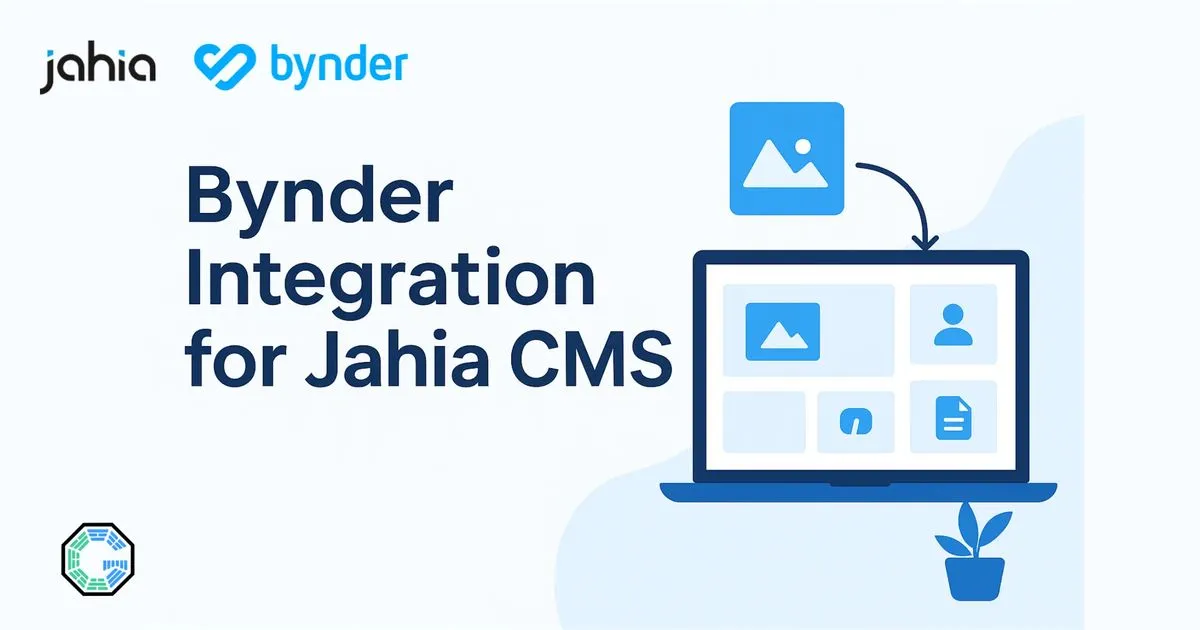
The module brings the full power of Bynder DAM directly into the Jahia CMS/DXP editorial interface via an intuitive, custom media picker.
Officially Listed on the Bynder Marketplace
The Gladtek Bynder Connector is verified and officially featured on the Bynder Marketplace.
You can inspect the listing, compatibility notes, and setup guides directly on the portal: View the Gladtek Bynder Connector on Bynder Marketplace
Explore the Integration
Discover full feature details, architecture overviews, and live capabilities on our dedicated integration page:
Feature Walkthrough with Multi-Asset Selection & DAT
Watch the connector in action within Jahia:
Key Features
- Native Media Picker: Browse, search, filter, and select single or multiple Bynder assets without ever leaving the Jahia interface.
- Dynamic Asset Transformation (DAT): Apply automated, on-the-fly resizing, cropping, smart compression, and format conversion.
- AI Agents & Contextual Search: Benefit from Bynder AI-generated metadata, automated descriptions, alt text, and semantic search directly inside Jahia.
- Administration UI & Site-Specific Scoping: Configure settings globally or tailor asset filters and permissions per website.
- Secure & Multi-Tenant: Configurable authentication, granular permissions, and multi-site support across enterprise instances.
- Plug-and-Play Compatibility: Designed and tested for Jahia versions 8.1 and 8.2.
- Officially Certified: Listed in the official Bynder Marketplace.
Administration & Granular Site-Level Filtering
Managing multi-brand or multi-site platforms requires precise control over what media each team can access. The connector integrates directly into the Jahia Administration console to provide both global and localized governance:
- System-Wide vs. Per-Site Configuration: Configure global API credentials once at the system level (Global Configuration Guide), while allowing individual site administrators to fine-tune settings according to their needs.
- Tailored Asset Filtering per Site: Restrict or filter Bynder media libraries per website using specific Bynder metaproperties, collections, tags, or brand folders (Multi-Site Configuration Guide).
- Cleaner Editorial Experience: Content authors are presented with a focused, clutter-free picker that displays only assets relevant to their specific project, eliminating confusion and accidental off-brand publishing.
Empowering Editorial Workflows with Bynder AI Agents
The content lifecycle has evolved from static folders to intelligent asset management. Bynder’s Agentic AI platform deploys context-aware AI agents that analyze, enrich, and govern digital media before it reaches your CMS:
- Automated Metadata & Accessibility: Bynder AI agents generate accurate descriptions and alt text automatically, feeding accessible and SEO-optimized metadata straight into Jahia components.
- Continuous Brand Compliance: AI agents validate assets against brand guidelines and licensing rules, ensuring editors select only fully approved content.
- Semantic Discovery: Editors can search the Bynder catalog inside Jahia using conversational descriptions and visual concepts rather than rigid keyword tags.
Why This Matters for Editorial & Dev Teams
Managing digital assets across decoupled platforms often causes friction, content duplication, and governance drift. With the Gladtek Bynder Connector:
- Speed Up Editorial Workflows: Content creators access approved, high-resolution assets instantly within Jahia page builder dialogs.
- Maintain Brand Governance: Enforce centralized asset versions and rights management directly from Bynder.
- Boost Web Performance & Core Web Vitals: Offload media storage and processing to Bynder’s global CDN and real-time optimization pipeline.
- Cross-Site Reusability: Share unified media collections across multiple Jahia sites and digital touchpoints seamlessly.
Supercharging Media Delivery with DAT
Bynder’s Dynamic Asset Transformation (DAT) automates the real-time adaptation of images and videos to meet specific device breakpoints and channel specifications (such as resizing, cropping, format optimization for AVIF/WebP, and background removal) without manual asset duplication.
This drastically shortens time-to-market, improves SEO scores, and eliminates repetitive graphic production tasks.
Ready to connect Jahia with Bynder?
Interested in a live demo or need a tailored walkthrough for your enterprise environment? Get in touch with our team.
Made by the Gladtek Team.